Extract
Pick the right color without leaving your workflow.
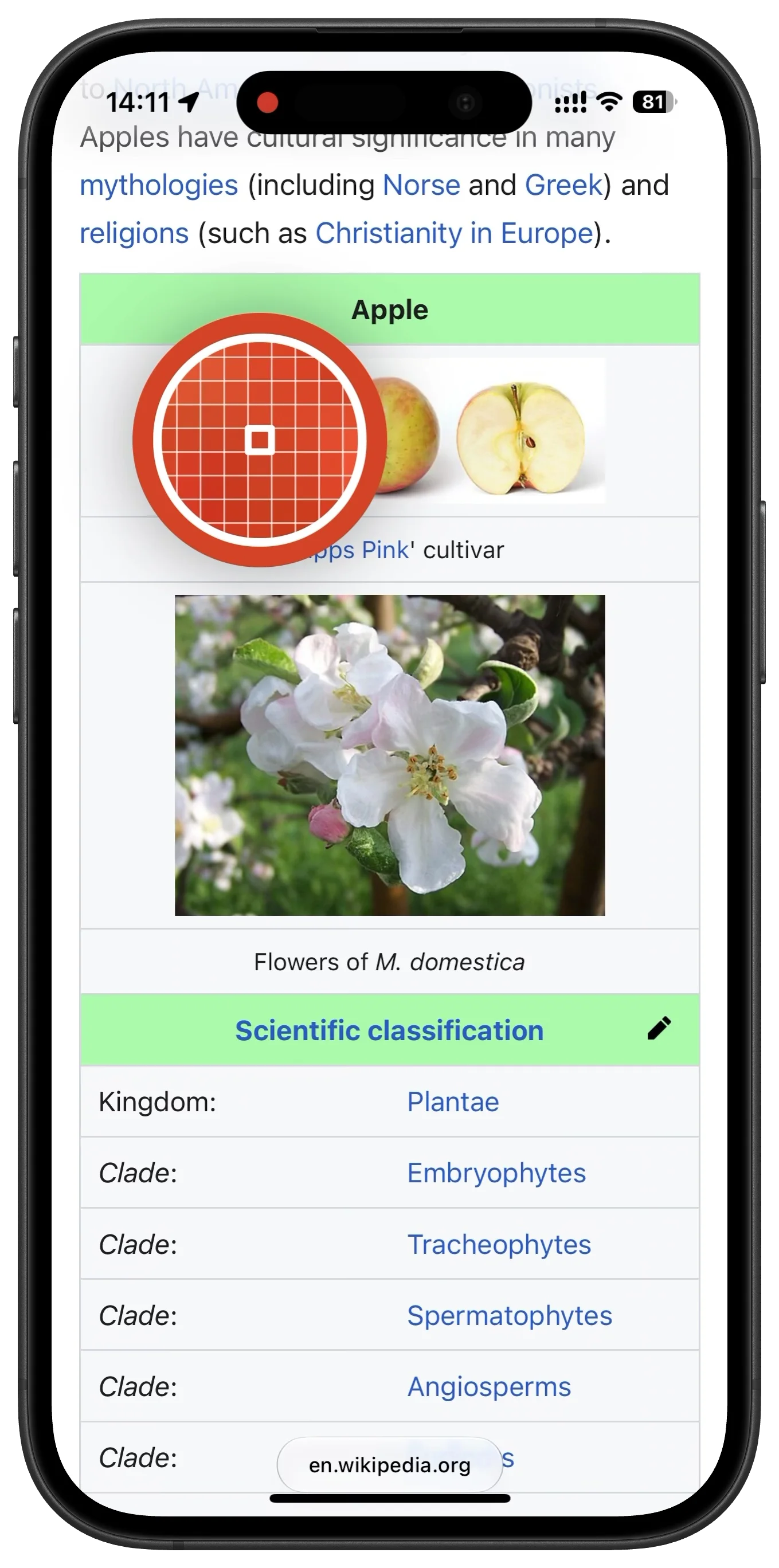
Use the floating magnifier to capture colors from Safari, Photos, Camera, or a side-by-side design app. Every pick goes straight into your history, ready to save, name, or copy.
HueHouse helps designers, developers, and digital artists capture color from visible apps, build organized palettes, and copy production-ready formats without breaking flow.





Extract
Use the floating magnifier to capture colors from Safari, Photos, Camera, or a side-by-side design app. Every pick goes straight into your history, ready to save, name, or copy.
Precision
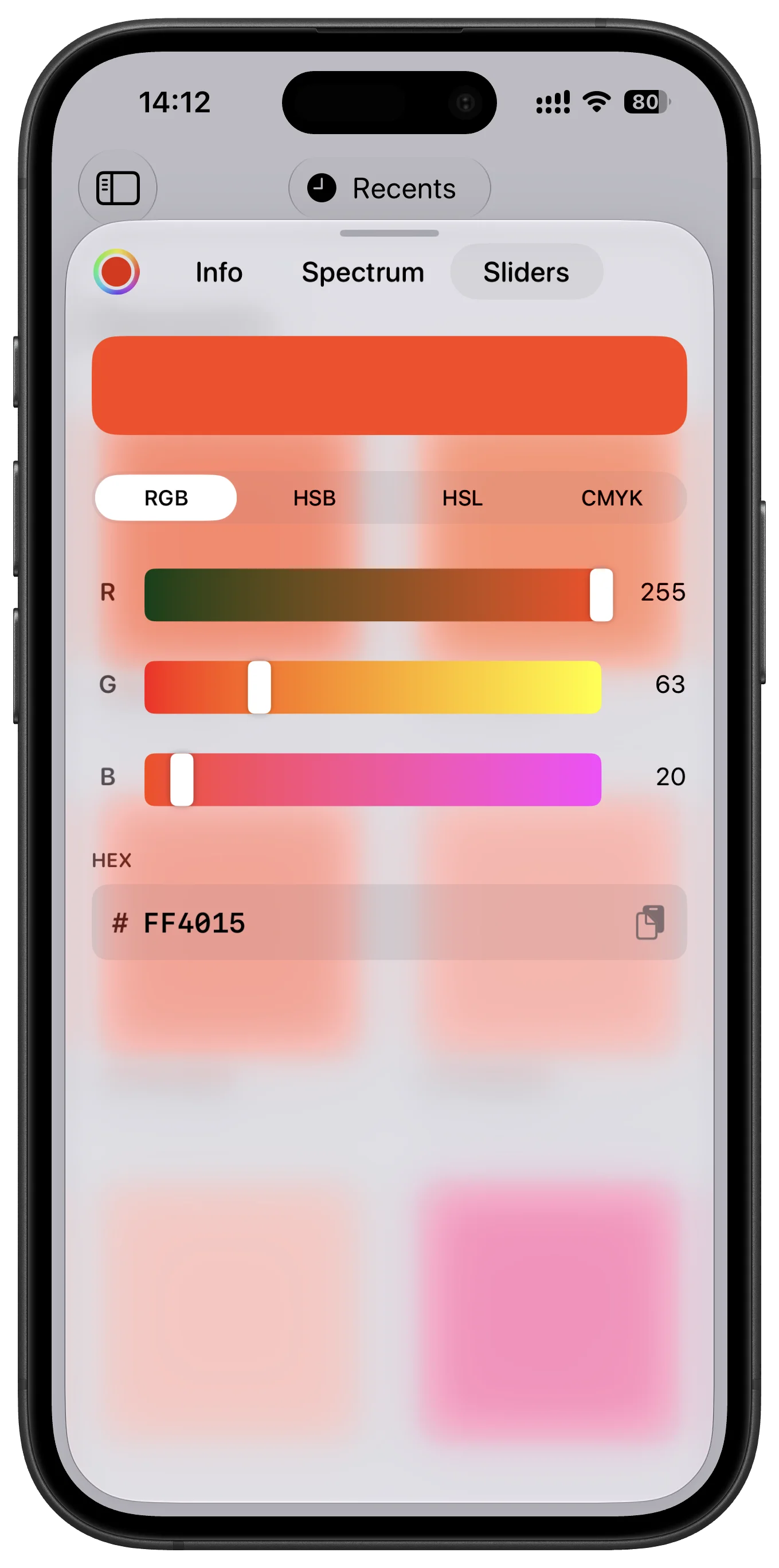
Create colors manually with familiar RGB, HSB, HSL, and CMYK sliders. Preview every adjustment live, then copy the exact value when it is ready.
Formats
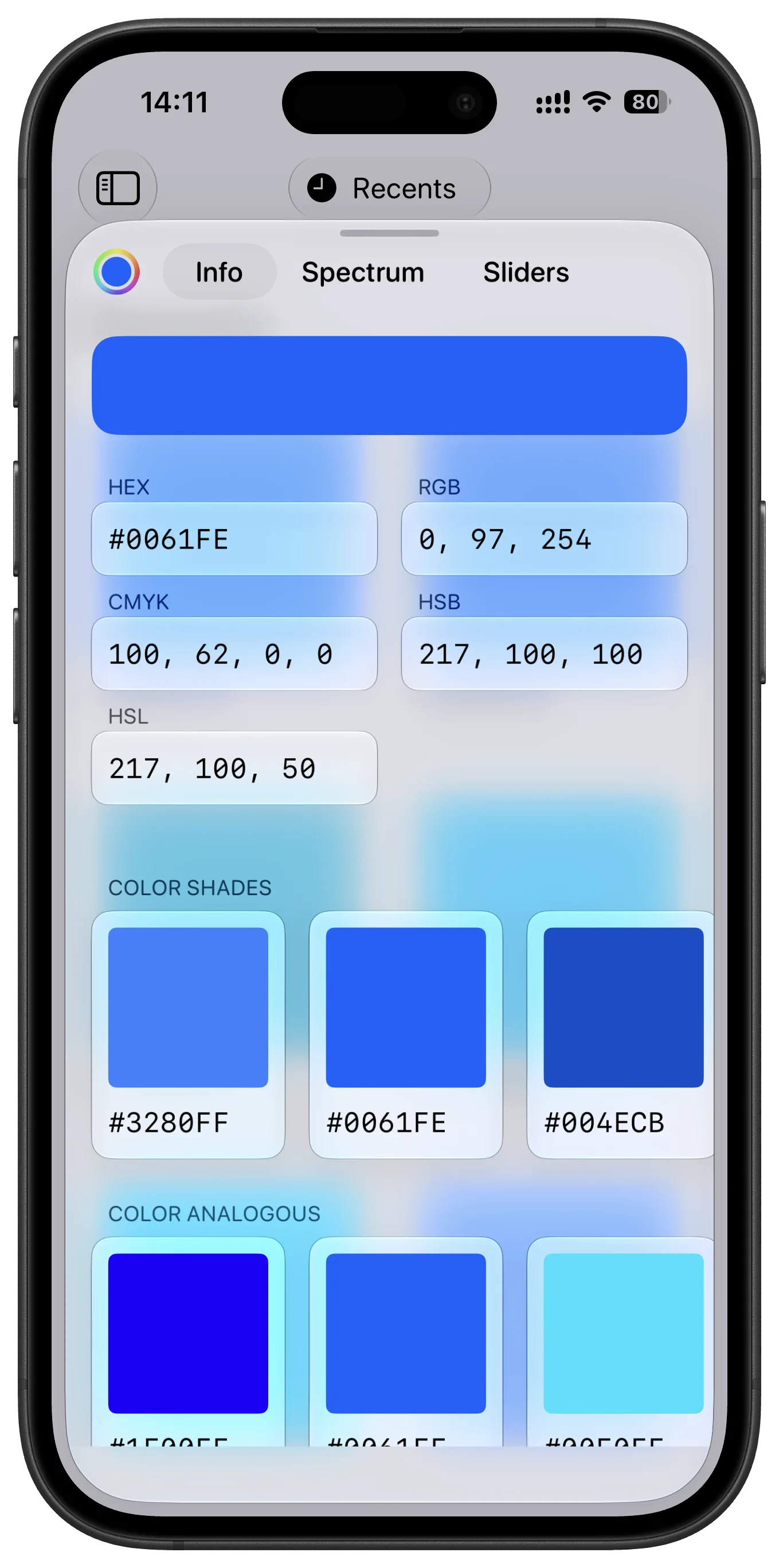
Turn a picked color into HEX, RGB, CMYK, HSL, HSB, Swift, CSS, or your own custom output. Keep favorite formats at the top so handoff takes one tap.
Collections
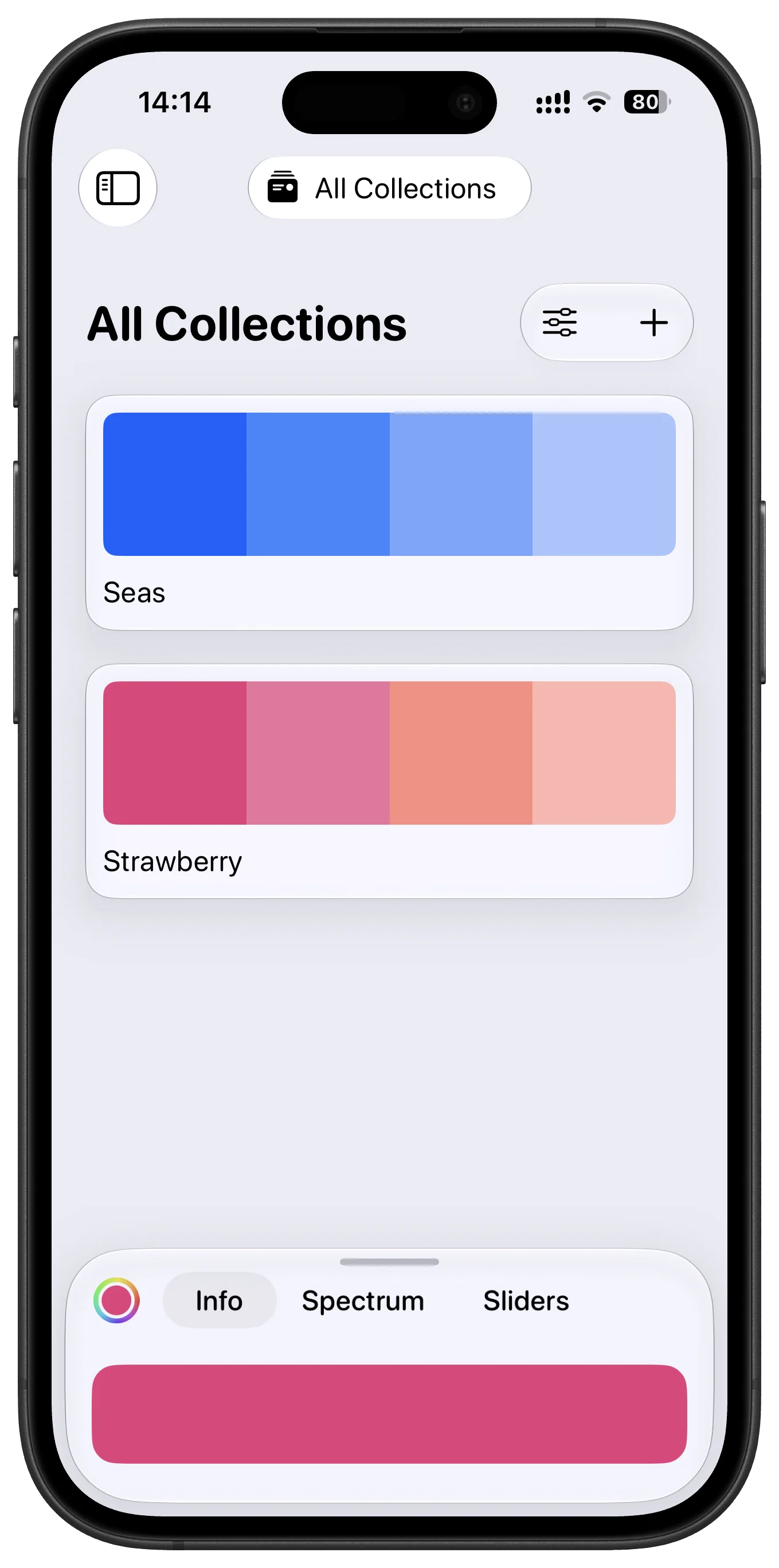
Group colors into collections for brands, client work, illustrations, and UI systems. Add names to important colors so the palette still makes sense weeks later.
Share and Sync
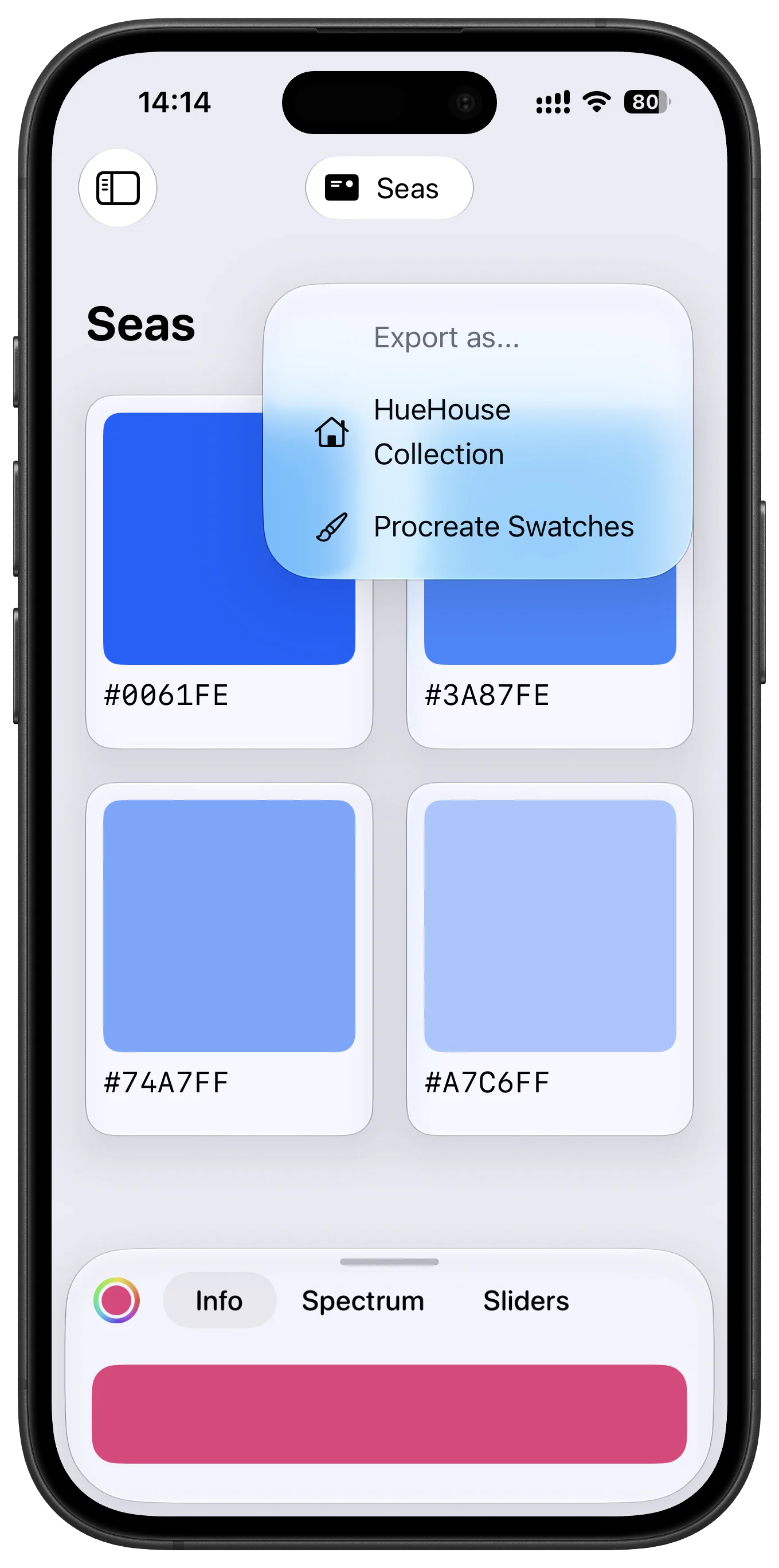
Export .swatches files for supported creative apps, share HueHouse collections with teammates, and keep your color work moving through AirDrop, Mail, and the system share sheet.
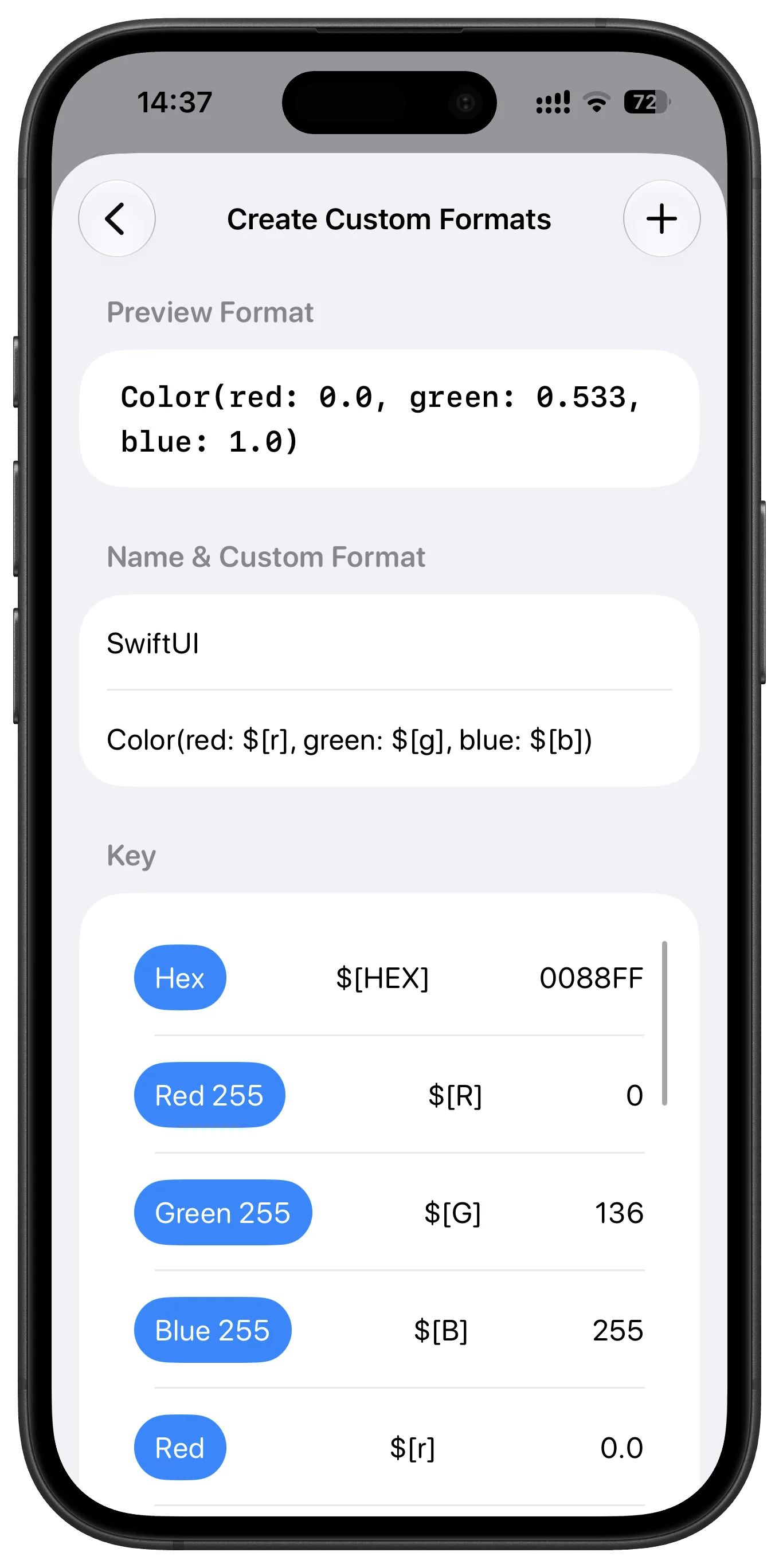
Create formats your tools understand. Build copy templates for SwiftUI, CSS variables, Dart, Compose, Tailwind config values, or internal tokens, so colors land cleanly in your codebase.
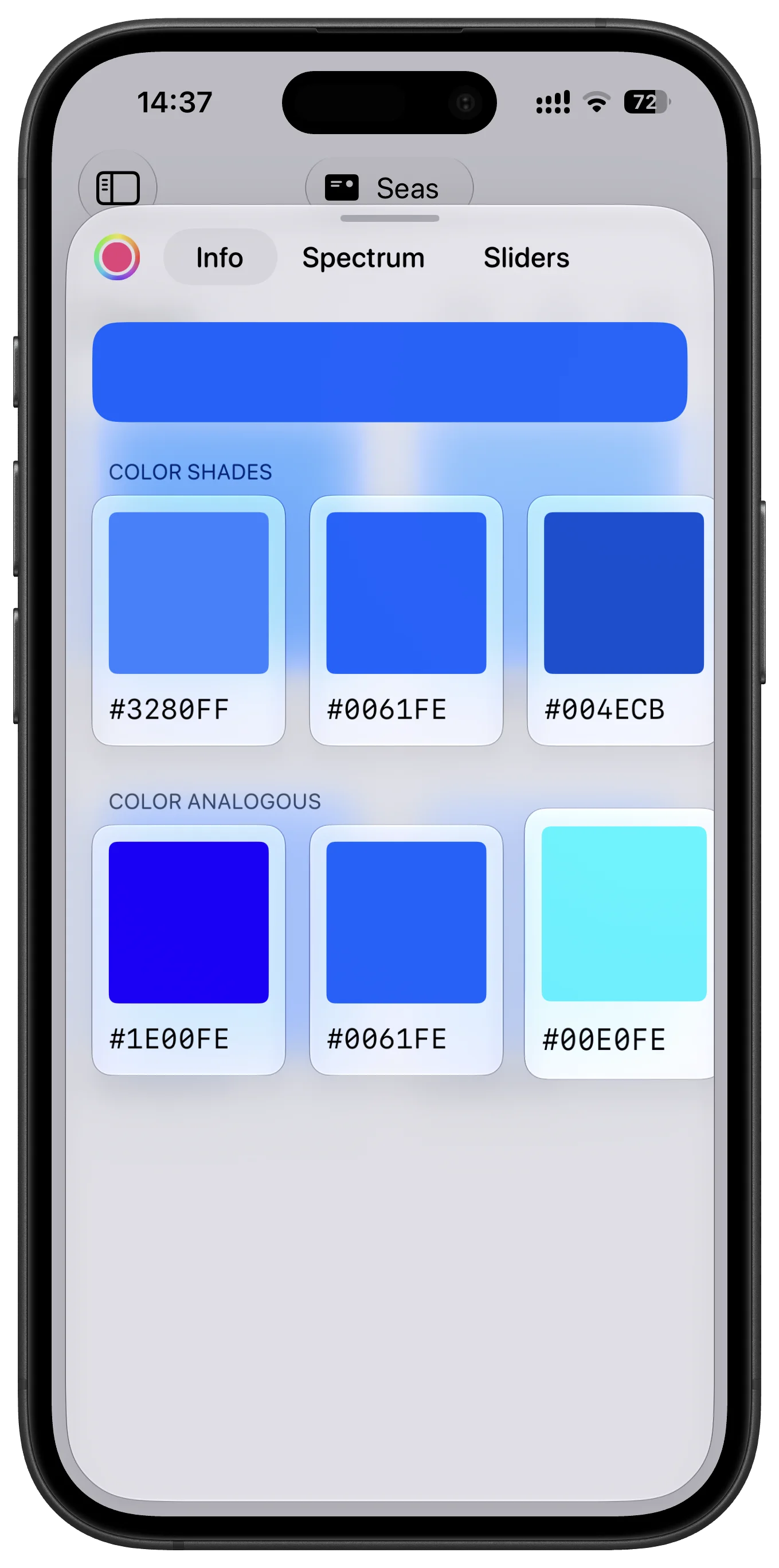
Turn one color into a stronger palette. Generate shades, analogous tones, and custom ramps from a saved color, then choose the direction that gives your design the most contrast and depth.
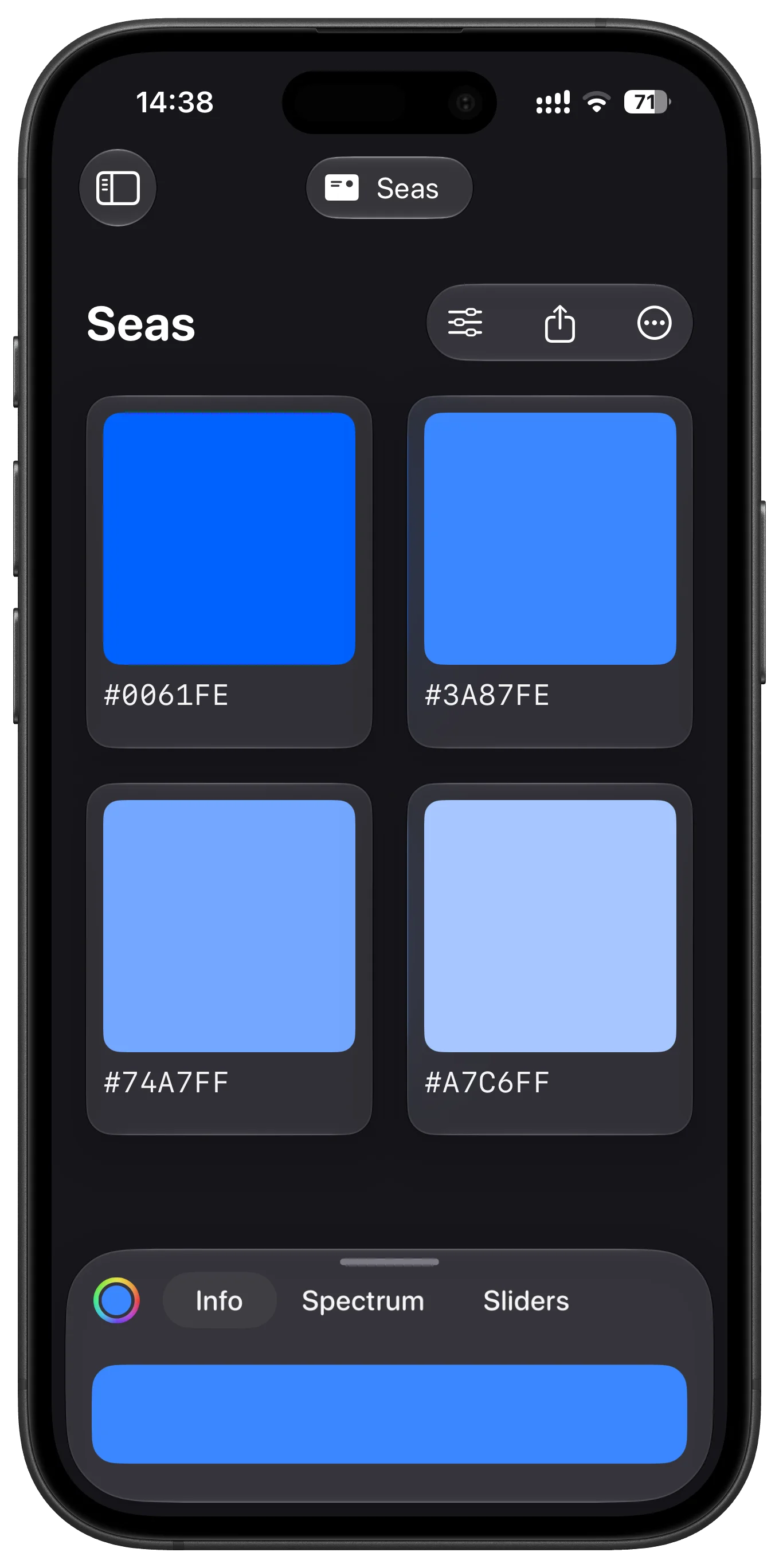
Comfortable in dark mode. HueHouse supports dark mode throughout the app, keeping palettes, controls, and color details easy to read when your workspace goes darker.
And more. Tabbed browsing, custom app icons, default copy formats, and many more settings help HueHouse fit the way you work.
FAQ
HEX values usually look right when the color space is set to sRGB. If you see a longer or unexpected value, check whether the color is in Display P3, which supports a wider range than standard HEX.
Download HueHouse free on the App Store. No ads, no clutter, just a faster path from color inspiration to usable palette.
Incredible app. I find it very useful for when I need specific colors!
The split screen mode is amazing. Im able to use this together with goodnotes. Overall, it's a great app.
Easy to use great for color grading and art stuff.
I needed a way to easily grab colours from websites and other areas of the iPad. This app is great!
I use it every day (as a web developer). It does its job simply, effectively, and it does not track the user’s private data.
At last! A decent colour picker tool! I've been looking for an iPadOS equivalent of MacOS's ColorSnapper tool for ages.